
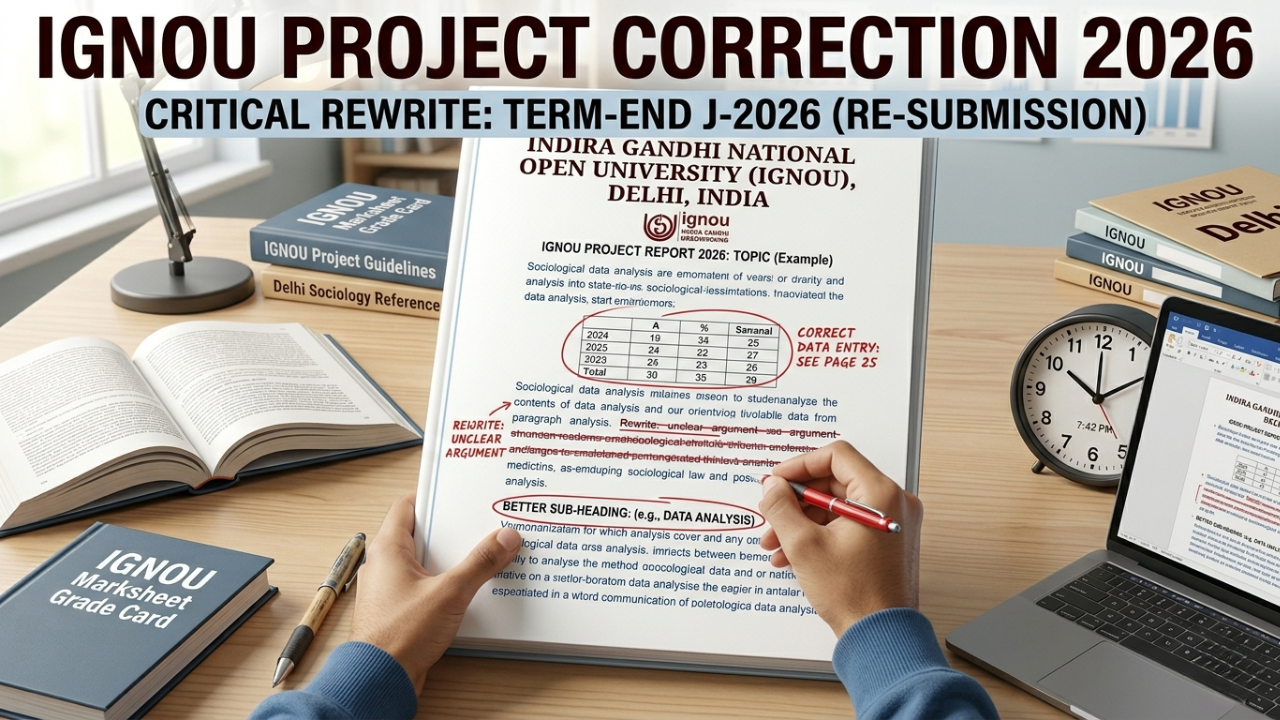
IGNOU Project Correction Process Explained (2026 Step-by-Step Guide)
Many IGNOU students receive a project correction request after submitting their project report. This situation can feel stressful, especially for students submitting projects for the first time.
However, project correction is very common in IGNOU and does not mean your project has been permanently rejected.
In most cases, students simply need to make the required changes and resubmit the corrected project.
This guide explains the complete IGNOU project correction process in simple language.
 Get Readymade IGNOU Project WhatsApp Now 🚀
 What Is IGNOU Project Correction?
Project correction means:
- The evaluator found mistakes or missing parts in your project
- Some sections need improvement
- The project requires modification before approval
Instead of rejecting the project completely, IGNOU gives students a chance to improve and resubmit it.
Why IGNOU Projects Go for Correction
There are many common reasons.
1. Incorrect Project Format
Students often ignore official formatting guidelines.
Problems include:
- Wrong font style
- Incorrect spacing
- Improper structure
- Missing certificates
2. Weak Project Content
Projects with poor explanation or incomplete analysis may need correction.
3. Plagiarism or Copied Content
Copied content is one of the biggest reasons for correction or rejection.
4. Missing Pages
Sometimes students forget to attach:
- Declaration
- Certificate
- Bibliography
- Questionnaire
- Data analysis
5. Incorrect Topic Approval
Mismatch between approved topic and submitted project may create issues.
6. Improper Binding or Presentation
Poor presentation can affect evaluation.
How Will You Know Your Project Needs Correction?
Usually students notice through:
- Project status update
- Email communication
- Study centre notification
- Supervisor information
Sometimes the status may show:
- Correction required
- Resubmit project
- Not approved
Does Project Correction Mean Failure?
No.
Project correction simply means:
- Improvements are required
- You still have a chance to get approval
Many students successfully clear project correction in the second submission.
IGNOU Project Correction Process Step-by-Step
Step 1: Understand the Correction Properly
First identify:
- Which section needs correction
- What mistakes were mentioned
- Whether formatting or content changes are needed
Never resubmit without understanding the issue.
Step 2: Collect Supervisor Guidance
If possible, discuss corrections with:
- Project guide
- Supervisor
- Academic counsellor
This helps avoid repeated mistakes.
Step 3: Make Required Changes
Carefully improve:
- Content quality
- Formatting
- Data presentation
- References
- Structure
Do not ignore small corrections.
Step 4: Check Complete Project Again
Before resubmission:
- Recheck all pages
- Verify certificates
- Ensure topic consistency
- Confirm proper formatting
Step 5: Resubmit the Corrected Project
Submit the corrected copy according to IGNOU instructions.
Some programs may require:
- Printed submission
- Online upload
- Both formats
Common Corrections Students Receive
1. Literature Review Weak
Need better explanation and research.
2. Data Analysis Incomplete
Charts, tables, or findings missing.
3. Objective Not Clear
Project goals not properly defined.
4. Improper Referencing
References not written correctly.
5. Conclusion Too Short
Project ending lacks proper summary.
How to Avoid Project Correction
Follow Official Format Carefully
Always use correct:
- Cover page
- Font size
- Margins
- Spacing
Write Original Content
Avoid direct copying.
Include All Required Sections
Never skip mandatory pages.
Review Before Submission
Check every page carefully.
Important Sections Every IGNOU Project Should Include
- Title page
- Certificate
- Declaration
- Acknowledgement
- Table of contents
- Introduction
- Objectives
- Research methodology
- Data analysis
- Findings
- Conclusion
- Bibliography
Common Mistakes During Resubmission
1. Resubmitting Without Changes
Very risky.
2. Ignoring Formatting Problems
Formatting matters in project evaluation.
3. Missing Deadline
Late correction submission may delay results.
4. Poor Printing Quality
Unreadable pages create problems.
How Long Does Project Re-Evaluation Take?
After correction submission:
- Evaluation may take several weeks
- Status updates may appear slowly
Students should regularly check project status.
Can IGNOU Reject Project Completely?
Yes, but usually only in serious cases such as:
- Heavy plagiarism
- Completely irrelevant project
- Fake data
- Major guideline violations
Most students only receive correction requests.
Tips to Get Project Approved Faster
Keep Project Simple and Clear
Complex writing is not necessary.
Use Proper Headings
Makes project easier to evaluate.
Maintain Clean Presentation
Neat formatting creates good impression.
Stay Connected With Supervisor
Guidance reduces mistakes.
Final Checklist Before Resubmission
- All corrections completed
- Format checked properly
- Required pages attached
- Content reviewed carefully
- Submission method confirmed
Conclusion
The IGNOU project correction process is normal and manageable.
Students should not panic if corrections are requested.
Instead:
- Understand the mistakes
- Improve the project carefully
- Resubmit properly
With correct formatting, original content, and proper presentation, most corrected projects get approved successfully.


